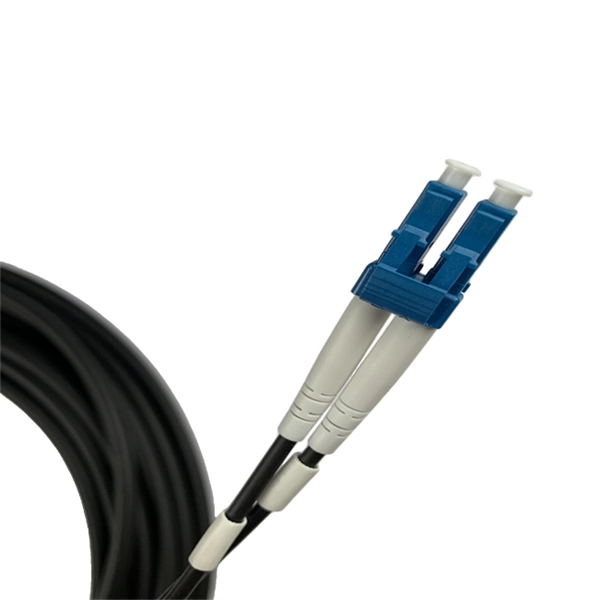
Optical port aggregation on H3C switches is achieved by creating a link aggregation group (LAG) that bundles multiple optical interfaces into a single logical interface, either statically or dynamically using LACP.Step 1: Verify Port Type and Mode
H3C switches often use combo ports that support both fiber (SFP) and copper (RJ45). Only one mode can be active at a time to avoid conflicts. Use the following commands to select the optical mode:
system-viewinterface GigabitEthernet1/0/1combo enable fiber
Ensure the optical module is properly inserted and compatible with the switch port speed and wavelength .
Step 2: Prepare Ports for Aggregation
Before adding ports to an aggregation group, remove conflicting configurations such as VLAN isolation, QinQ, MAC authentication, port security, or 802.1X. Check port attributes with:
display this
Then undo any conflicting commands to reset the port to default settings .
Step 3: Create the Aggregation Group
H3C switches support static (manual) and dynamic (LACP) aggregation. For optical ports, dynamic aggregation is recommended if both ends support LACP. Example for creating a dynamic aggregation group:
system-viewinterface Bridge-Aggregation 1link-aggregation mode dynamic Step 4: Add Optical Ports to the Aggregation Group
Assign the prepared optical interfaces to the aggregation group:
interface GigabitEthernet1/0/1port link-aggregation group 1interface GigabitEthernet1/0/2port link-aggregation group 1
For QSFP interfaces, you may need to split or combine interfaces depending on the desired speed (e.g., 40G, 100G) before aggregation:
interface HundredGigE1/0/29fortygige // splits into 4x10G interfacesport link-aggregation group 1
The configuration takes effect immediately .
Step 5: Configure VLANs and Trunking
If the aggregated link will carry multiple VLANs, configure it as a trunk:
interface Bridge-Aggregation 1port link-type trunkport trunk permit vlan 10 20
This allows traffic from multiple VLANs to pass through the aggregated optical link .
Step 6: Verify Aggregation Status
Check the status of the aggregation group and member ports:
display link-aggregation summarydisplay interface Bridge-Aggregation 1
Ensure all member ports are in the Selected state and the aggregate interface is operational .
Best Practices
- All member ports must have the same speed, duplex, and link type.
- Use dynamic aggregation (LACP) when possible for better fault tolerance.
- Ensure optical modules are compatible and properly seated.
- Avoid mixing fiber and copper in the same aggregation group. By following these steps, you can successfully enable optical port aggregation on H3C switches, increasing bandwidth and providing redundancy for critical network links .